Running sync tasks
Learn how to use Infrahub Sync's commands to generate sync adapters, calculate differences, and synchronize data between your source and destination systems.
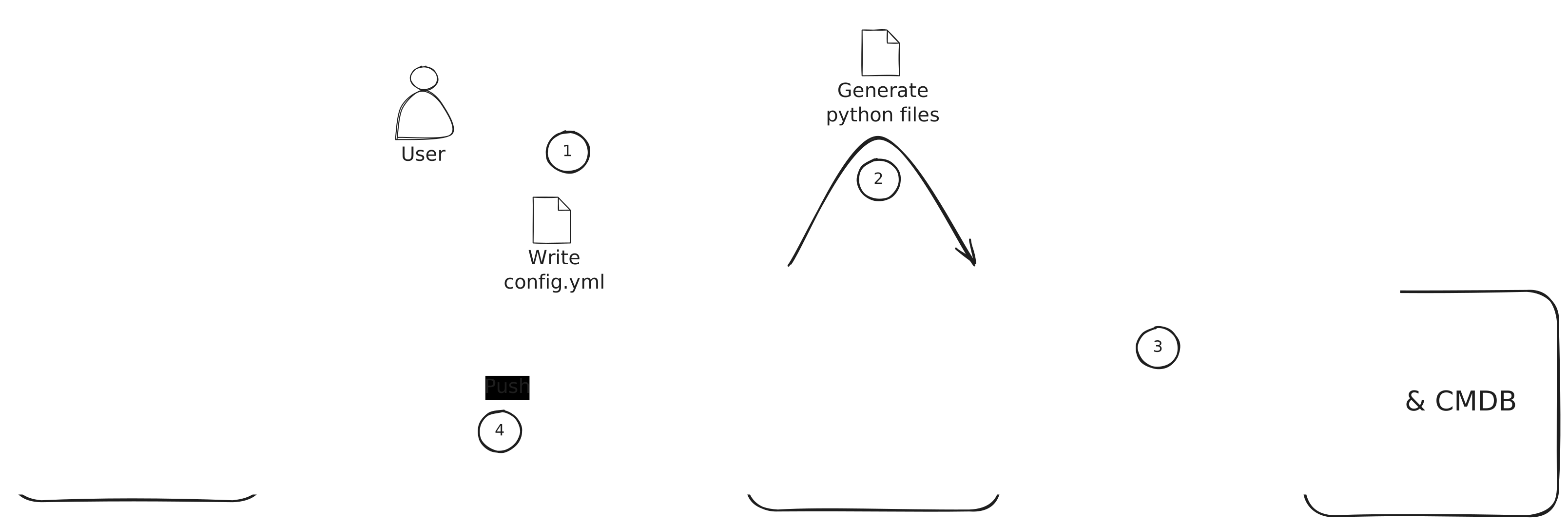
::: info
Before generating the necessary Python code for your sync adapters and models and synchronizing, you need to created a configuration. To create a new configuration, please refer to the guide Creating a new Sync Instance
:::
Generating sync adapters and models
Command
infrahub-sync generate --name <sync_project_name> --directory <your_configuration_directory>
Parameters
--name: The name of the sync project you want to generate code for.--directory: The directory where your sync configuration files are located.
This command reads your configuration file and generates Python code for the sync adapters and models required for the synchronization task.
Calculating differences
The diff command lets you see the differences between your source and destination before actually performing the synchronization. This is useful for verifying what will be synchronized.
Command
infrahub-sync diff --name <sync_project_name> --directory <your_configuration_directory>
Parameters
--name: Specifies the sync project for which you want to calculate differences.--directory: The directory where your sync configuration files are located.
Running this command will output the differences detected based on the current state of your source and destination systems.
Synchronizing data
Once you're ready to synchronize the data between your source and destination, you can use the sync command.
Command
infrahub-sync sync --name <sync_project_name> --directory <your_configuration_directory>
Parameters
--name: The name of the sync project you wish to run.--directory: The directory where your sync configuration files are located.
This command performs the synchronization, applying the changes from the source to the destination based on the differences calculated by the diff command.
Progress and logging
The sync command also supports additional flags for displaying progress and managing logging:
--show-progress: Displays a progress bar during synchronization.--diff: Print the differences between the source and the destination before syncing.
For example:
infrahub-sync sync --name my_project --directory configs --diff --show-progress